Website Analytics
How to Track Website Visitors
What tracking visitors actually involves, which numbers to start with, how to install a tracking script and the mistakes that make your data unreliable.
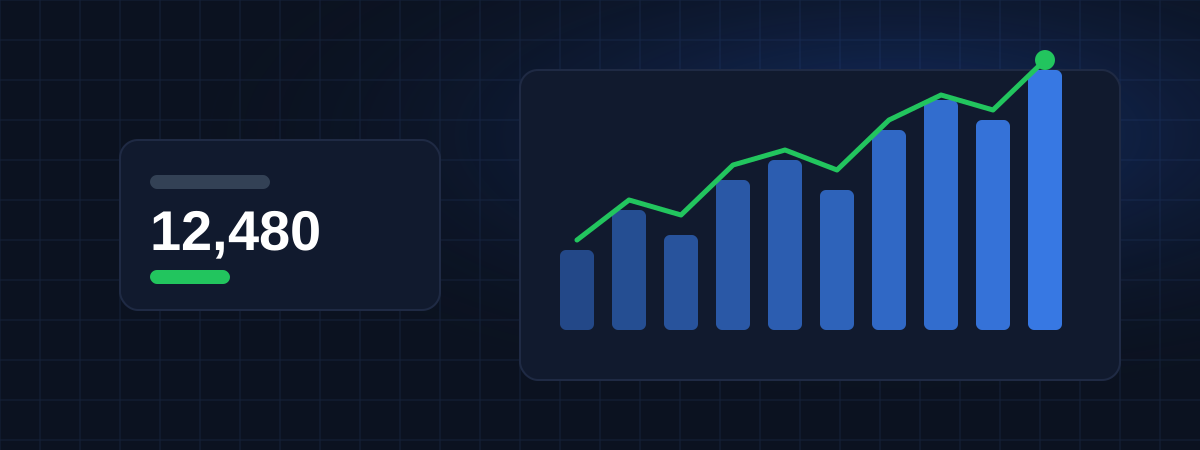
The essential numbers about your visitors, organized so you can see what changed and why.
In development
Most analytics tools can answer almost any question, as long as you know where to click. For a business owner or a small marketing team, that often means opening a dashboard, getting lost in menus and closing it without a clear answer. The questions that matter are simple: how many people came, from where, what they looked at, and whether it's better or worse than before.
A page that lost its Google position keeps losing visits for weeks. A campaign keeps running after it stopped working. Decisions about content and budget end up being made on impressions instead of numbers.
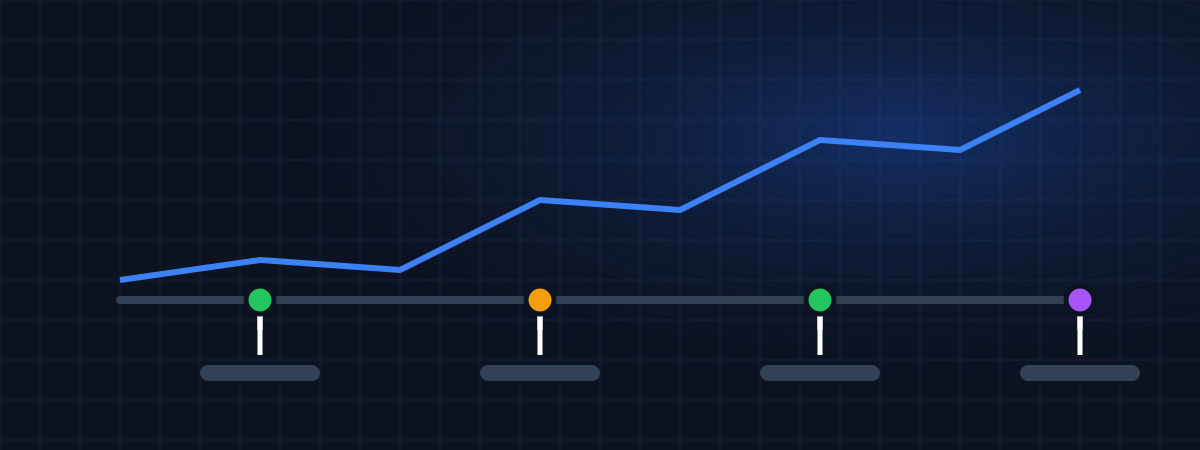
WEBPilot will show the main numbers of each website together, compare them with the previous period and place your strategy log next to the chart. You see the change and the probable reason at the same time.
Daily, weekly and monthly totals, compared with the previous period.
Which pages people read most and where they land first.
Where your audience is and whether they use mobile or desktop.
Clear percentages showing what went up or down.
Traffic analytics is in development. You can already create an account, add your websites and keep a strategy log, so your history is ready when data collection starts.
What tracking visitors actually involves, which numbers to start with, how to install a tracking script and the mistakes that make your data unreliable.
A simple monitoring plan for any website: goals, a small set of metrics, a review routine, alerts that matter and a record of actions that turns data into decisions.
Create a free account and register your websites now.