Traffic Sources
How to Understand Your Website Traffic Sources
A plain explanation of the main traffic sources (organic, paid, direct, referral, social and email), how each one is detected and what to look for in each.
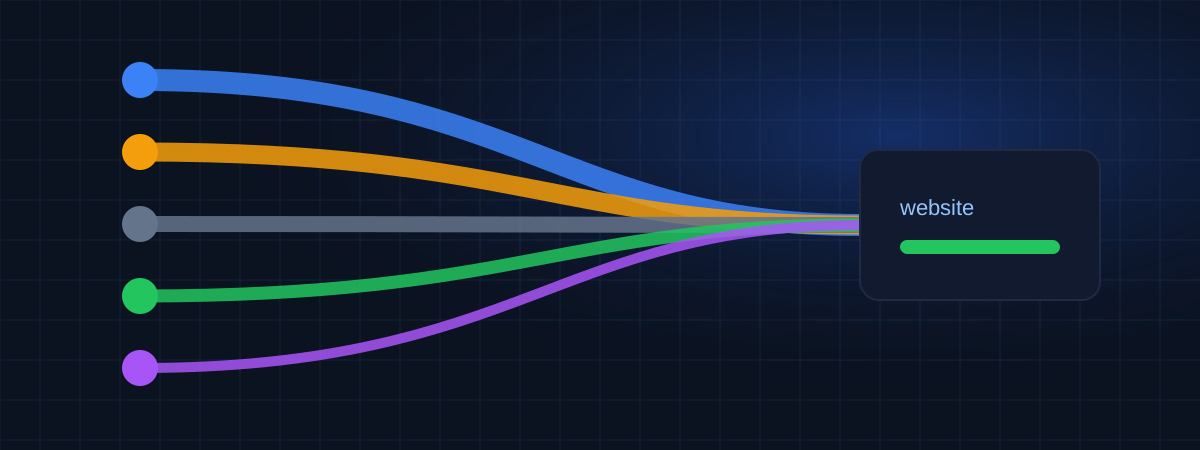
Organic search, ads, direct visits, other websites and social networks, separated and compared.
In development
Traffic went up. Was it the blog post, the Instagram campaign or a mention on another website? When every source is mixed together, there is no way to tell which effort is paying off.
Without clear sources, teams keep paying for channels that don't bring visitors and cut the ones that do. SEO work, which takes months to show results, is often abandoned shortly before it starts to work.
WEBPilot will classify each visit by source and medium using the referring page, known search engines and social networks, ad click identifiers and UTM parameters. You will see the share of each channel and how it changes over time.
Google, Bing, DuckDuckGo and other search engines.
Ads recognized by click identifiers and UTM medium.
Typed URLs, bookmarks and visits without a referrer.
Other websites and social networks, listed by domain.
Your tagged links grouped by campaign, source and medium.
Source classification is in development and will be part of the first data collection release.
A plain explanation of the main traffic sources (organic, paid, direct, referral, social and email), how each one is detected and what to look for in each.
Direct traffic is not just people typing your address. Learn what really ends up in this group, why it can grow suddenly and how to make it smaller and more useful.
What each UTM parameter does, a naming convention that keeps reports clean, examples for email, social and ads, and the mistakes that break campaign tracking.
Register them now and they will be ready when source tracking goes live.