What Is Direct Traffic in Website Analytics?
Direct traffic is not just people typing your address. Learn what really ends up in this group, why it can grow suddenly and how to make it smaller and more useful.
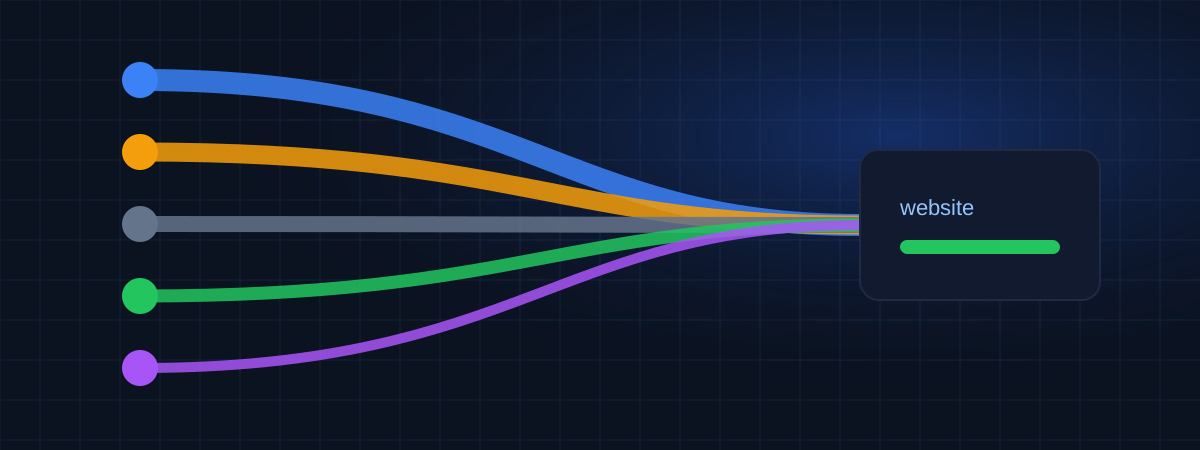
"Direct" sounds simple: someone typed your address in the browser. In practice, direct traffic is the group where analytics tools put every visit whose origin they couldn't identify. Some of it really is people typing your URL. A good part of it isn't.
What ends up in direct traffic
Typed addresses and bookmarks. The classic case. Returning customers, people who saw your name somewhere offline, your own team (if not excluded).
Links in apps. Many mobile apps, including some messaging and social apps, open links without sending the referrer. A link shared in a chat often shows up as direct.
Emails without tags. Most email apps don't pass a referrer. If your newsletter links don't have UTM parameters, those visits are counted as direct.
Documents and PDFs. Links inside PDF files, presentations and spreadsheets usually arrive without a referrer.
Moving from HTTPS to HTTP. When a secure page links to a non-secure page, browsers don't send the referrer. If your site still has HTTP pages, visits from other sites to those pages can appear as direct.
Referrer policies. Websites can control how much referrer information they send with the Referrer-Policy header. Some send nothing. See MDN's page on Referrer-Policy for the technical details.
Broken or lost tracking. Redirects that strip URL parameters, or campaign links with typos in the tags, can turn tagged visits into direct ones.
Why direct traffic suddenly jumps
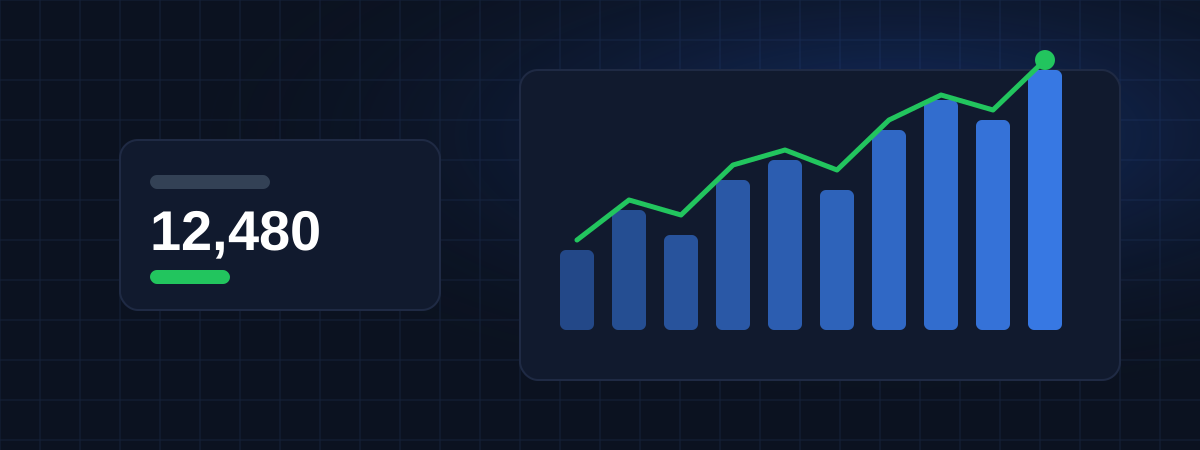
When direct visits spike on a specific day, look for one of these causes:
- A campaign went out without tags: newsletter, SMS, WhatsApp message, QR code on printed material.
- Media coverage or word of mouth: people heard your name and typed it.
- A technical change: a redirect, a new consent banner, a change of domain, or the tracking code installed twice on some pages.
- Bots: automated visits often have no referrer. They usually have unusual patterns: one page, very short time, odd locations or devices.
Your record of actions is the fastest way to tell these apart. If the spike matches the day you sent the newsletter, you know the answer. That's one of the reasons WEBPilot puts a strategy timeline next to each website.
How to make direct traffic more useful
You'll never get direct traffic to zero, and that's fine. The goal is to keep in it only what really is direct.
Tag everything you control. Emails, social posts, ads, QR codes, links in PDFs, partner links. Use UTM parameters consistently; our guide on UTM parameters has a simple naming convention.
Use HTTPS everywhere and redirect old HTTP addresses.
Exclude internal visits. Your team's visits shouldn't count as customers.
Check redirects. Make sure short links and redirects keep URL parameters.
Look at landing pages. Real direct visits usually land on the homepage or on memorable addresses. Direct visits landing on long, deep URLs, like a specific blog post, are probably links shared in apps or emails without tags.
Is a lot of direct traffic good or bad?
Neither, on its own. A strong brand naturally has many people typing its name. But a large share of direct traffic can also mean poor tagging, which hides where your visitors really come from.
Ask a simpler question: can you explain your direct traffic? If most of it lands on the homepage and grows steadily with your brand, it's healthy. If it jumps without explanation or lands on random deep pages, there is untagged traffic to fix.
Summary
Direct traffic is "unknown origin", not just "typed the address". Tag your links, fix redirects, use HTTPS and keep a log of campaigns. The smaller and more predictable your direct traffic, the more you can trust the rest of your traffic sources report.
WEBPilot articles are written and reviewed by our editorial team. They don't contain sponsored content.
Register your websites in WEBPilot and keep a dated record of every change you make. Strategy Tracking →