How to Use UTM Parameters to Track Campaigns
What each UTM parameter does, a naming convention that keeps reports clean, examples for email, social and ads, and the mistakes that break campaign tracking.

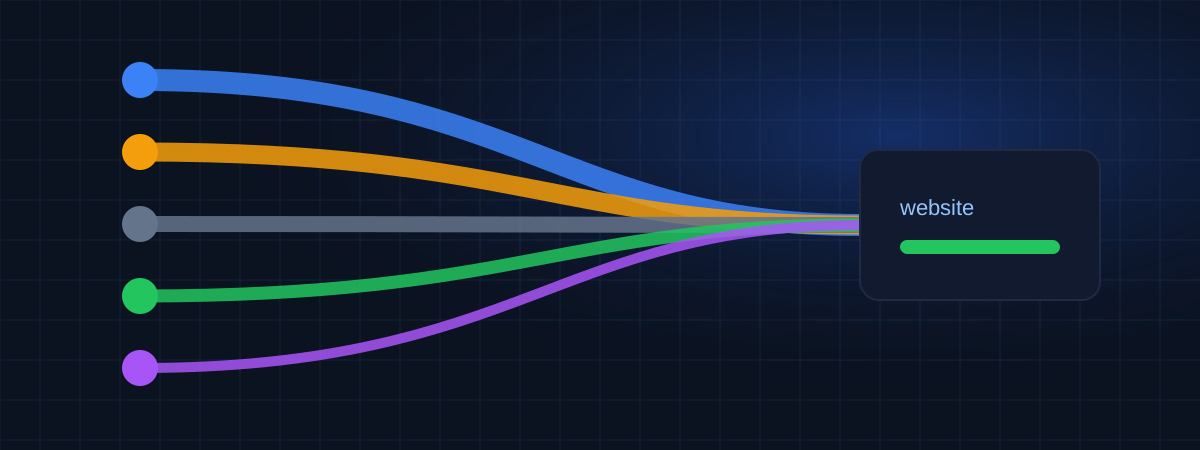
UTM parameters are small tags you add to the end of a link so your analytics tool knows exactly where a visit came from. They take a minute to add and save hours of guessing later.
What a tagged link looks like
https://example.com/spring-sale/?utm_source=newsletter&utm_medium=email&utm_campaign=spring-sale-2026
Everything after the ? is ignored by the page itself. Your analytics tool reads it and records the visit as coming from the newsletter, by email, in the spring sale campaign.
The five parameters
| Parameter | What it answers | Example |
|---|---|---|
utm_source |
Who sent the visit? | newsletter, facebook, google, partner-blog |
utm_medium |
What kind of channel? | email, social, cpc, referral, qr |
utm_campaign |
Which campaign? | spring-sale-2026, webinar-march |
utm_content |
Which version or link? | header-button, video-ad-a |
utm_term |
Which keyword? (mostly paid search) | running-shoes |
utm_source, utm_medium and utm_campaign are the ones to always use. The other two are optional and useful when you need more detail.
A naming convention that keeps reports clean
Analytics tools treat Email, email and e-mail as three different values. A month of inconsistent tags and your campaign report becomes a long list of near-duplicates. A few rules prevent this:
- Lowercase only.
- Hyphens instead of spaces:
spring-sale, notspring saleorspring_sale. - A fixed list of mediums. For example:
email,social,paid-social,cpc,display,referral,qr,sms. Don't invent new ones per campaign. - Campaign names with a date or period:
black-friday-2026,newsletter-2026-10. - A shared spreadsheet with every tagged link, who created it and when.
Analytics tools use the medium to classify channels. Values like email, cpc and social are widely recognized. If you use unusual values, your visits may end up in an "other" group. Google lists recommended values on its URL builders help page.
Examples by channel
Newsletter:
?utm_source=newsletter&utm_medium=email&utm_campaign=newsletter-2026-10&utm_content=main-article
Organic post on LinkedIn:
?utm_source=linkedin&utm_medium=social&utm_campaign=product-launch
Paid post on Instagram:
?utm_source=instagram&utm_medium=paid-social&utm_campaign=product-launch&utm_content=carousel-a
QR code on a printed flyer:
?utm_source=flyer&utm_medium=qr&utm_campaign=store-opening
Link in a partner's article:
?utm_source=partner-blog&utm_medium=referral&utm_campaign=co-marketing-q4
When not to use UTM parameters
Internal links. Never tag links from one page of your site to another. When someone clicks a tagged internal link, many tools start a new session with that source, and the real origin of the visit (for example, organic search) is lost.
Google Ads with auto-tagging. Auto-tagging already identifies the clicks. You can still add UTM tags for other tools, but be consistent and make sure they don't conflict with the platform's own settings.
Mistakes that break tracking
- Redirects that drop parameters. Short links and some redirects strip everything after the
?. Test the final URL. - Typos.
utm_campainis silently ignored. - Tags in the wrong place. If the URL has a
#section, the tags must come before it:/page/?utm_source=x#section, not/page/#section?utm_source=x. - Sensitive data in tags. Never put emails, names or customer IDs in UTM values. They end up in reports and logs.
Test before sending
Before a campaign goes out, open the tagged link in a private window and check in your analytics tool's real-time view that the visit appears with the right source, medium and campaign. It takes a minute and avoids weeks of mislabeled data.
Keep the campaign log next to the traffic
Tags tell you which campaign brought a visit. A dated log of when each campaign started, ended or changed tells you how to read the chart. WEBPilot's strategy timeline keeps that log per website, and campaign tracking by UTM is planned in the traffic reports. For related reading, see What Is Direct Traffic?, since untagged campaigns are one of its main causes.
WEBPilot articles are written and reviewed by our editorial team. They don't contain sponsored content.
Register your websites in WEBPilot and keep a dated record of every change you make. Strategy Tracking →