How to Build a Website Traffic Monitoring Strategy
A simple monitoring plan for any website: goals, a small set of metrics, a review routine, alerts that matter and a record of actions that turns data into decisions.
Many websites have analytics installed and nobody looks at it. Others have someone checking numbers every day without ever changing anything. A monitoring strategy sits between the two: a small plan that says what to look at, how often, and what to do when something changes.
Here is a version you can set up in an afternoon.
1. Start from the business goal
Write down what the website is for, in one line:
- "Generate quote requests for our installation service."
- "Sell products online in Brazil and Portugal."
- "Bring readers to our content and grow the newsletter."
Everything else follows from this line. A content site and an online store need different reports.
2. Pick a small set of metrics
Choose about five numbers connected to that goal. For example, for a lead generation site:
- Sessions per week.
- Sessions by source.
- Quote requests per week.
- Conversion rate by source.
- Top entry pages.
If you're unsure which numbers to choose, Website Analytics Metrics That Actually Matter goes through the options.
3. Make sure the data is trustworthy
Before building routines on top of the numbers, check:
- Tracking is on every page, including forms and confirmation pages.
- Internal visits are excluded.
- Campaigns are tagged with a consistent UTM convention.
- Conversions are counted once.
A monitoring plan built on broken data is worse than none, because it creates false confidence.
4. Define a review routine
Put it in the calendar. A routine that fits most teams:
Weekly (15 minutes)
- Compare the week with the previous one and with the same week last month.
- Look at sources and entry pages for anything unusual.
- Add any new actions to the log.
Monthly (1 hour)
- Review trends over the last three months.
- Check results of changes made in the previous months.
- Decide the main actions for the next month and write them down.
Quarterly
- Compare with the same quarter last year.
- Review whether the goal and the metrics are still the right ones.
5. Decide what deserves an alert
Alerts are useful when they point to something you'd act on immediately:
- Traffic close to zero for several hours (tracking or site down).
- A sharp drop in conversions compared with the usual for that day of the week.
- A sudden spike that may be a bot or an untagged campaign.
Avoid alerts for normal variation. If people get several alerts a week that don't require action, they'll start ignoring all of them.
6. Keep a record of actions
A monitoring strategy without a record of actions only tells you that things changed. The record tells you why. Log, with dates:
- Content published or updated.
- SEO changes (titles, structure, redirects).
- Campaigns started, stopped or changed.
- Budget changes.
- Design and landing page changes.
- Technical changes (hosting, platform, speed improvements).
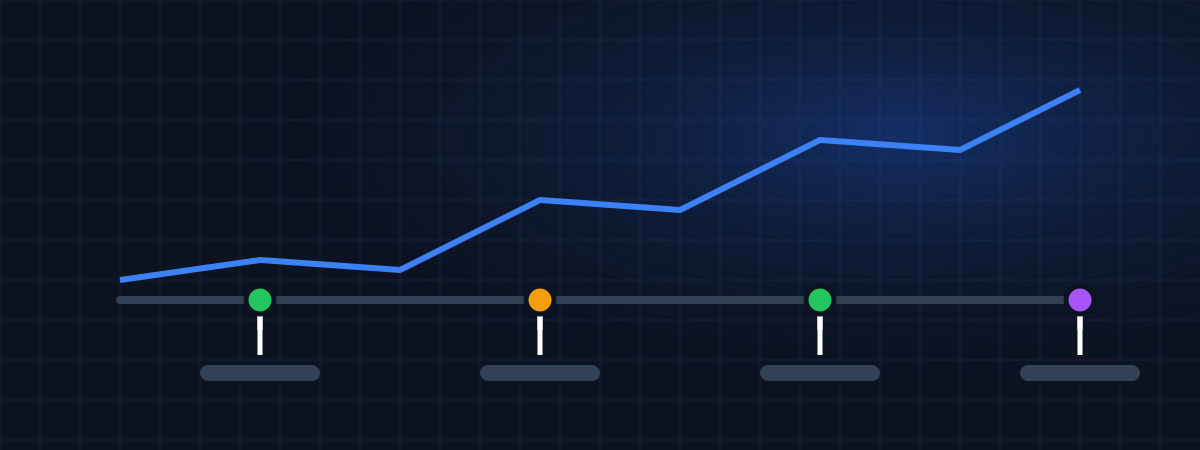
When you review the numbers, review the log at the same time. This is the core idea behind WEBPilot's strategy timeline.
7. Define who does what
- Who runs the weekly review?
- Who is notified by alerts?
- Who records actions? (Ideally, whoever makes the change.)
- Who decides what to do when something changes?
On a small team, it may all be one person. Writing it down still helps when someone is on vacation.
8. Adjust as you learn
After a few months, you'll know which numbers you never look at and which questions keep coming up. Remove the first, add the second. The plan should get simpler over time, not more complicated.
A template to copy
Website: example.com Goal: quote requests for installation services Metrics: sessions, sessions by source, quote requests, conversion rate by source, top entry pages Weekly review: Monday, 15 min, Ana Monthly review: first Tuesday, 1 h, Ana and Paulo Alerts: no data for 3 h; quote requests 50% below normal for the weekday Action log: strategy timeline, updated by whoever makes the change
Where WEBPilot fits
WEBPilot brings these pieces together: one account for all your websites, traffic reports and traffic sources (in development), alerts (planned) and the strategy timeline, available today. If you manage several sites, see also How to Monitor Multiple Websites in One Dashboard.
WEBPilot articles are written and reviewed by our editorial team. They don't contain sponsored content.
Register your websites in WEBPilot and keep a dated record of every change you make. Strategy Tracking →