Website Monitoring: What to Watch So Nothing Catches You Off Guard
Website monitoring is more than knowing whether your site is up. Learn the four areas worth watching (availability, speed, traffic and changes) and how to set up a simple routine.
Almost everyone with a website has found out about a problem the worst possible way: from a customer. "I tried to open your site yesterday and it wouldn't load." "Your contact form is throwing an error." "I noticed you're not showing up on Google anymore."
Website monitoring exists so your customers don't have to be your alert system.
The site seems fine until it isn't
Websites don't announce when something breaks. The server goes down at 3 a.m. and comes back at 6. A plugin update breaks the buy button on mobile. A copy change on a page knocks it down in Google. All of that can happen without anyone on the team noticing for days.
And the more sites you look after, the more likely it is that one of them has a problem in exactly the week nobody checked.
What finding out late costs
Every hour offline means lost sales and frustrated customers. Every day with a broken form is a pile of leads that never arrived. And a traffic drop discovered at the end of the month has already had thirty days to do damage.
There's also the cost of investigating. When a problem is found late, it's much harder to work out what caused it, because a lot has changed in the meantime.
The four areas of website monitoring
When people say website monitoring, many think only of checking whether the site is up. That matters, but it's only one part. There are four areas worth watching.
Availability
The most basic question: does the site load? Uptime monitoring tools visit your site at regular intervals and alert you by e-mail or message when it doesn't respond. Many have a free plan for a handful of sites. It's also worth watching your security certificate (HTTPS) and your domain's renewal date, two classic oversights.
Speed
A slow site loses visitors before it even shows anything, especially on mobile. Speed testing tools show load times and point out what's weighing pages down. You don't need to check every day: once a month, plus after every major change, already goes a long way.
Traffic
This is the area that reveals the most silent problems. Fewer visits from Google, a page that stopped getting traffic, a campaign that no longer brings people in: it all shows up in traffic before it shows up in revenue. To follow it well, always compare equivalent periods and split by source. How to Build a Website Traffic Monitoring Strategy covers that routine in detail.
Changes
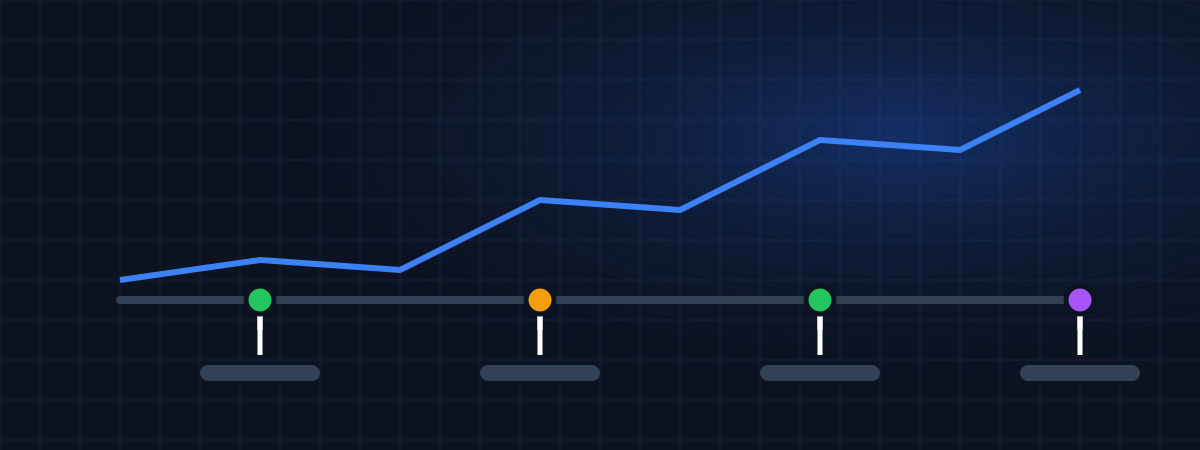
The forgotten area. Who changed what, and when? A theme switch, a rewritten page, a new plugin, a paused campaign. Without that record, every problem becomes an investigation from scratch. With it, the first question ("what changed that week?") has an answer in seconds.
A routine that fits into your week
You don't need an on-call team. For most websites, this is enough:
Keep availability alerts on at all times, sending notifications to more than one person. Once a week, spend fifteen minutes checking each site's traffic against the previous week. Once a month, run a speed test on your main pages. And whenever someone touches the site or the campaigns, log it with a date.
If you look after several websites, having them all in one dashboard changes everything. The article on monitoring multiple websites in one dashboard shows how to organize it.
What monitoring costs
You can start for little or nothing. Many availability and speed tools have free versions that are enough for a few sites. Traffic analytics tools usually have a free plan too, with a visit limit.
Costs appear when the number of sites grows or when you need more frequent alerts, longer history and access for several people. At that point, compare the price per site and check whether you can cancel at any time.
What WEBPilot covers (and what it doesn't)
WEBPilot handles two of the four areas: traffic and changes. Each website has a dated history of everything that was done and, as visitor collection is released, traffic will appear right next to those actions, with real-time monitoring planned. It doesn't check availability or speed; use a dedicated tool for those.
Today, in early access, you can register your websites and use the strategy log. The free plan covers one website, and paid plans support more websites and team members. Prices are on the pricing page, in US dollars and provisional during early access.
Wrapping up
Monitoring a website means knowing whether it's up, whether it's fast, whether it's getting its usual visits and what changed on it. Simple tools cover the first two. The last two need a routine and a record. Put all four together and you'll be the one who finds the next problem, not your customer.
WEBPilot articles are written and reviewed by our editorial team. They don't contain sponsored content.
Register your websites in WEBPilot and keep a dated record of every change you make. Strategy Tracking →